The following texts were partially or completely generated with the help of generative AI models.
Over the past few weeks, we have been working hard on our free HANA SQL beginner course. In doing so, we built a few useful new features into our HANA Web Console, making the beginner course even easier and more intuitive to use.
Sample solutions at the push of a button
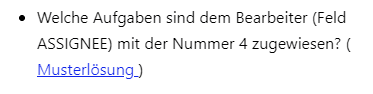
There is now a sample solution for every exercise. With a single mouse click, it is loaded into the SQL console, where you can run it directly.
Running the exercises with F8
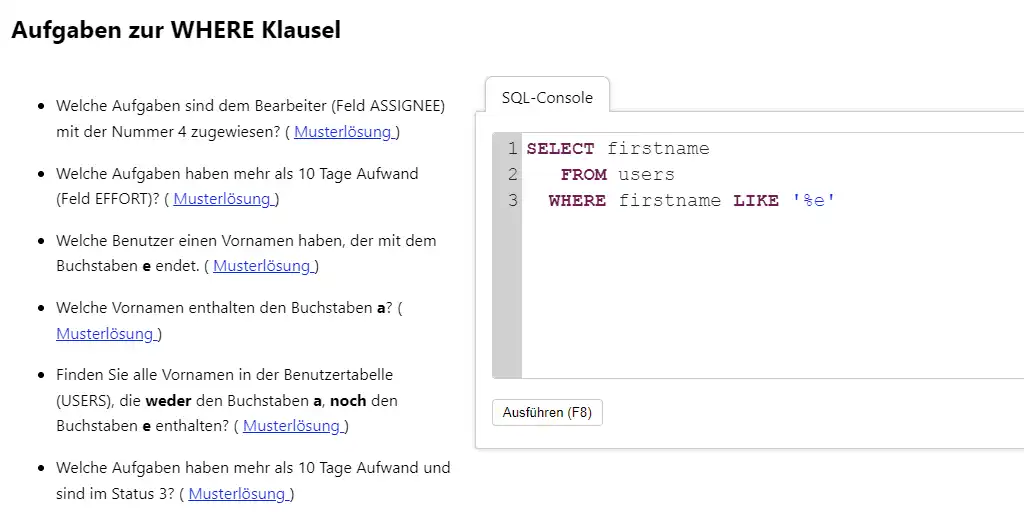
In addition to the Run button, you can now also execute the statements directly using the F8 key, just like in other SQL consoles. That way you don't have to go looking for the mouse once you have finished typing.
Syntax Highlighting
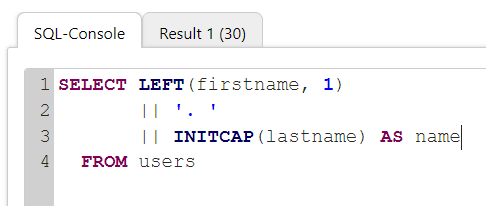
And the editor now supports syntax highlighting as well. All SQL functions, data types, and keywords of SAP HANA are recognized and highlighted in color. On top of that, they are also automatically displayed in uppercase, so a bit like the Pretty Printer. ;-)
Example from our HANA SQL beginner course
The best thing to do is to try out the improvements right away.